01
Record one room
Move slowly and show items and labels clearly. Before each upload, choose whether to let Google Gemini analyze selected images and room context.
Record each room. Review the AI-assisted list. Export an organized record of your belongings without spending days building a spreadsheet.
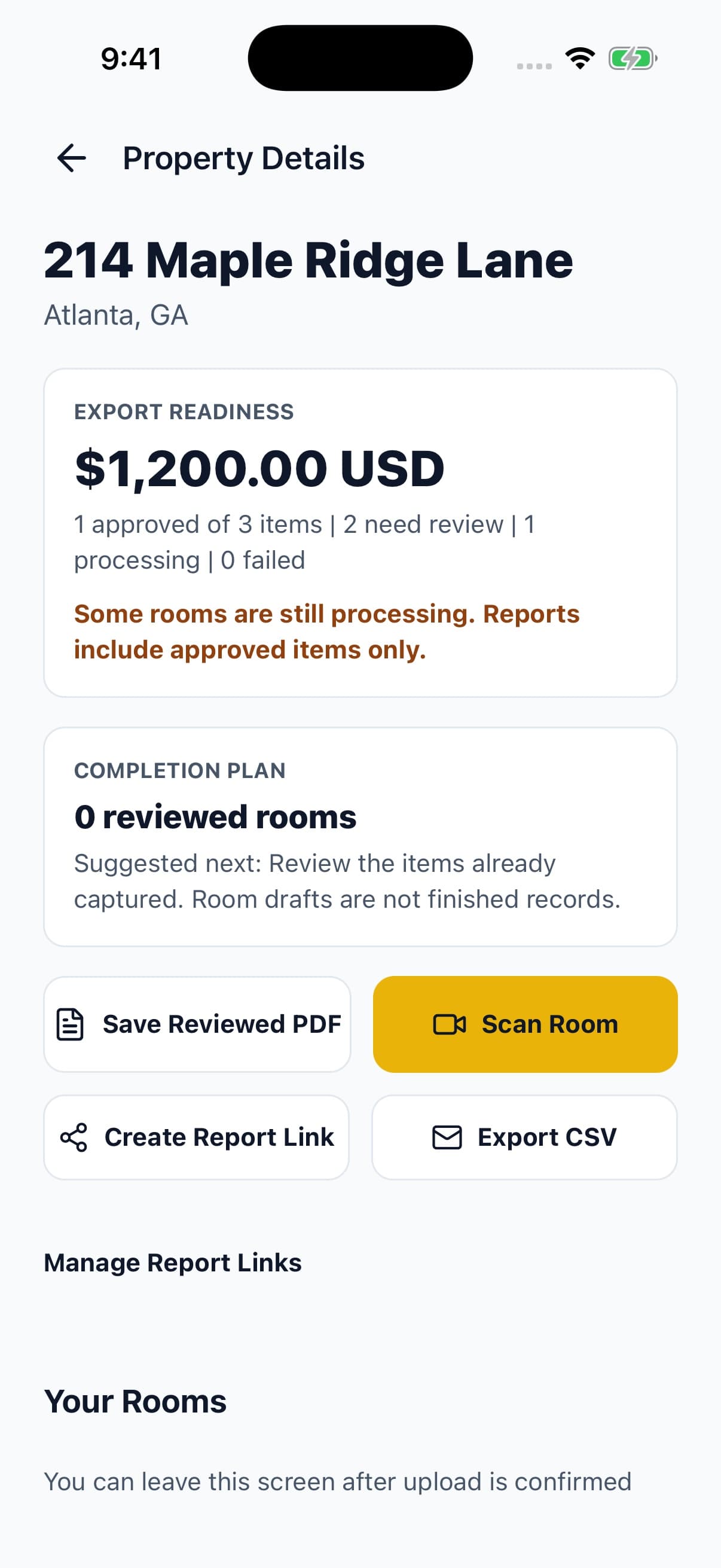
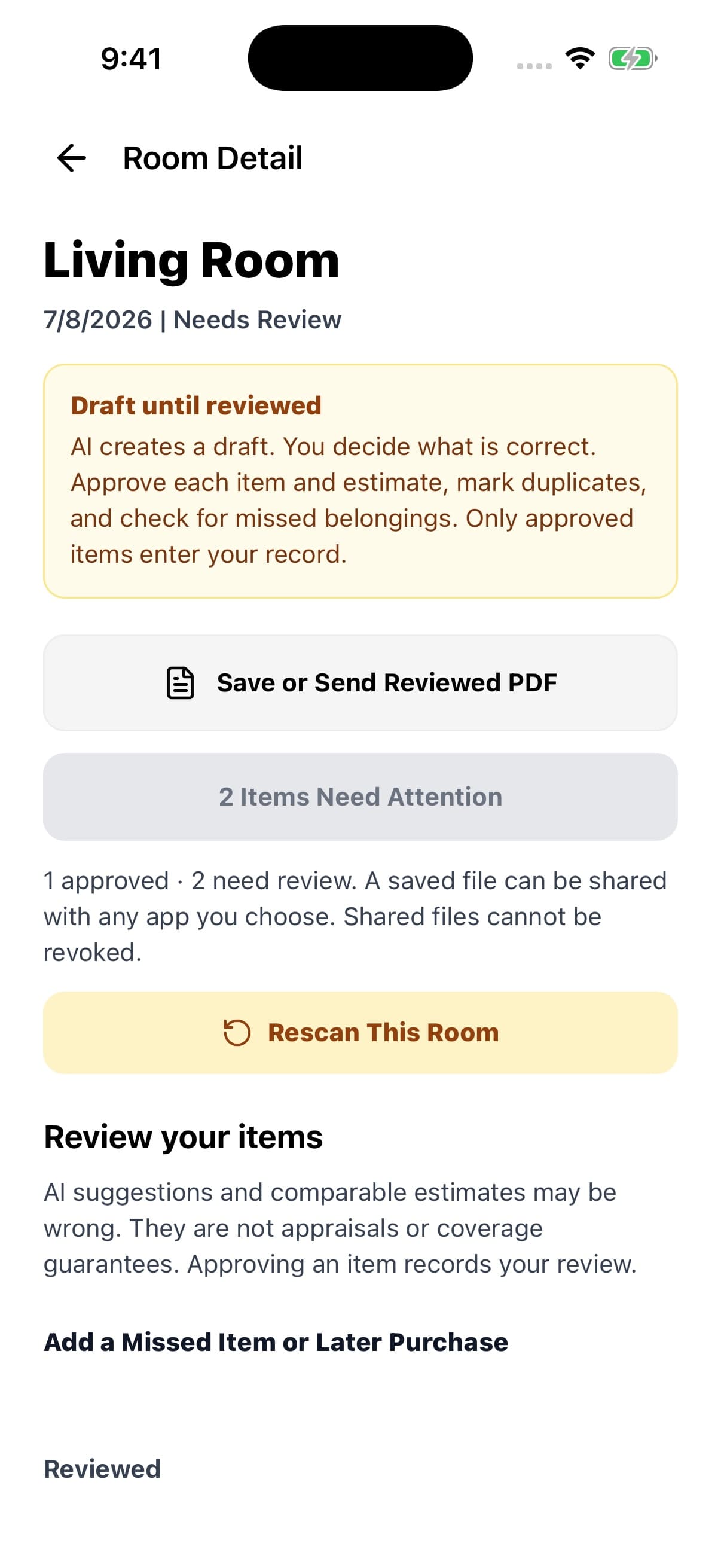
Completion
A home inventory you can actually finish, one room at a time.
Confidence
AI drafts the list; you approve every part of the reviewed record.
Control
Export portable documentation and decide when and with whom to share it.
A simpler workflow
Inventory the home you already have, one manageable room at a time.
Move slowly and show items and labels clearly. Before each upload, choose whether to let Google Gemini analyze selected images and room context.
AI drafts visible items. Add anything it missed, then review at least five items and confirm their details and estimates.
Save or send your first room’s watermarked preview free. Complete Home unlocks additional rooms, full PDF and CSV exports, and revocable report links.
Documentation that stays yours
Build a room-by-room record with details you can verify, update, and export when you need it.
Your export
Straightforward access
Experience capture, review, and a watermarked report preview first. Unlock Complete Home for $59.00 once at the founding price to add every room, export reviewed PDF and CSV records, and share revocable report links.
Start my first roomActivate one property and begin documenting rooms as soon as your store purchase is verified.
Claim an existing gift through its secure link, then sign in to the app with the recipient account.
Good to know
No. A property license is a one-time in-app purchase for one property.
No. AI assists with the first draft; you review and edit every item before export.
Only after your permission for each recording: selected images, the room label, and existing item names and categories. Original video and audio are not sent to Gemini; add spoken or unseen details yourself during review.
Yes. Add missing items and edit item notes, model and serial details, quantities, condition, and estimates.
Open your secure gift link and sign in to claim it. Gift access belongs to the recipient account and appears in the app after it is claimed.
Start with one room and build from there.